40 FPS at 120Hz Feels Like 60 FPS in Games
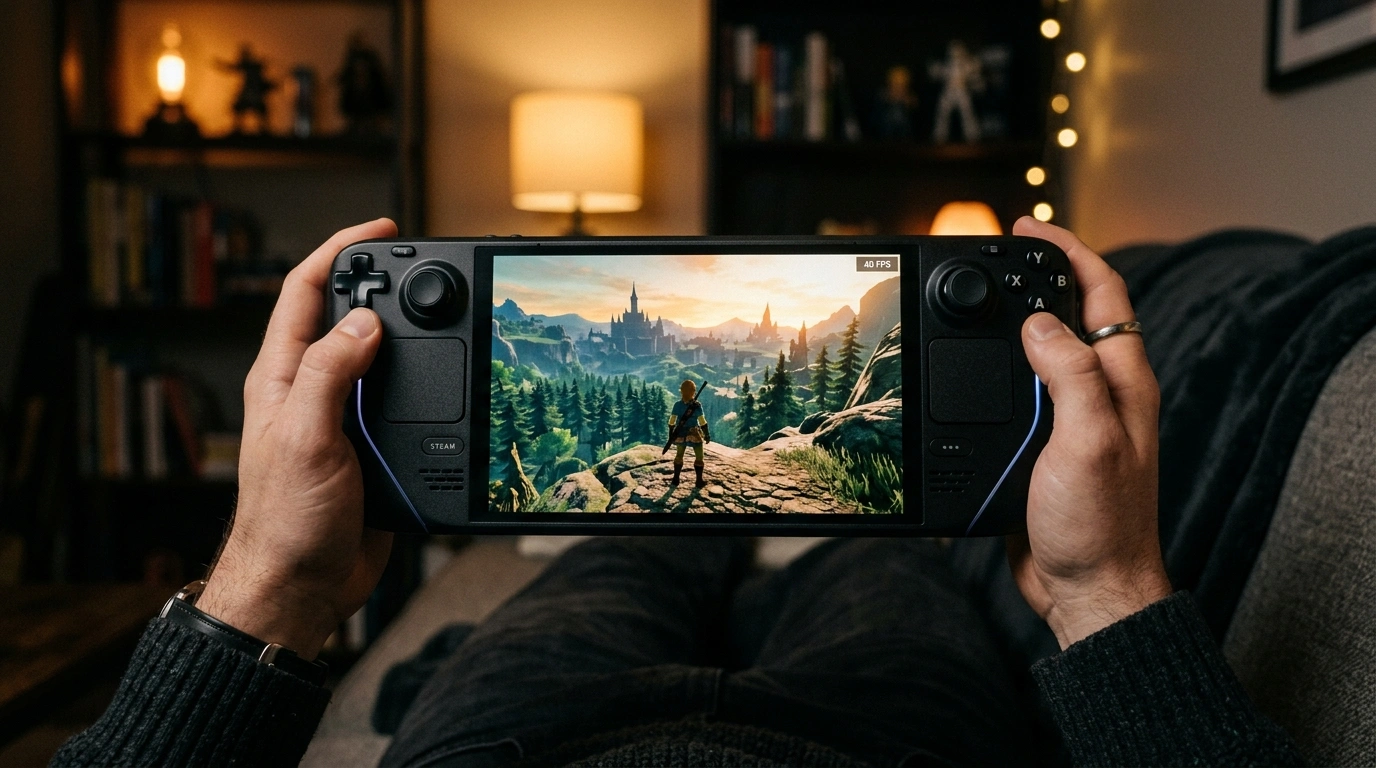
It is usually either 30 or 60, but never 40 FPS. Why doesn't anyone recommend 40 FPS, even though it is the most optimal FPS? In the past, standard displays were 60Hz, and 40 FPS could not divide into 60 evenly. But today, 40 FPS is the smartest graphics setting on modern 120Hz OLED TVs, PC gaming handhelds, and next-gen consoles. Here is how the math works.
The Screen Divisor Math
Why didn't we do this years ago on regular 60Hz monitors? Because 60 divided by 40 is 1.5, meaning it does not divide into a whole number. Displaying 40 FPS on a 60Hz screen causes severe stuttering.
Frames alternate between 1 and 2 refresh cycles, creating motion stuttering.
Every frame stays on screen for three refresh cycles with no stutter.
On a 120Hz display, the math is perfect: every single frame is shown for exactly three 120Hz display refresh cycles. There is zero stutter and zero uneven delivery.
The Frametime Math
Most people judge performance in FPS (frames per second). But our eyes perceive motion in frametime (the milliseconds each image stays on screen):
Notice the gap: Moving from 30 FPS to 40 FPS cuts your frametime by 8.3 milliseconds. Moving from 40 FPS all the way to 60 FPS cuts it by another 8.4 milliseconds.
Cuts 8.3ms of persistence lag right away, delivering half the total motion smoothness benefit of 60 FPS.
Requires rendering only 10 extra frames over 30 FPS, keeping GPU temperatures cool and battery life long.
In other words, 40 FPS gives you exactly 50% of the smoothness benefit of 60 FPS, while only demanding 33% more rendering effort from your GPU than 30 FPS.
Where 40 FPS Shines Brightest
- PC Handhelds (Steam Deck & ROG Ally): Drastically increases battery life and lowers fan noise while feeling much better than 30 FPS.
- Maximum Graphics Gaming on PC: Enables maxed-out path tracing and ultra graphics on big 120Hz 4K TVs without burning out your graphics card.
How to Lock 40 FPS in Seconds
Set your monitor or TV refresh rate to 120Hz in Windows Display settings.
Lock your framerate to 40 FPS using an accurate FPS limiter (such as framepacer or your GPU software).
Ensure V-Sync or G-Sync / FreeSync is active to prevent screen tearing.
Result: Perfect 25.0ms Frame Delivery
Your game will now run in a clean 25.0ms with consistent frame pacing, lower GPU load, and quiet fans.
Related Guides
How to Fix Stutter in Lossless Scaling: Why Base Framerate is Important
Fix stutter, motion warping, and input lag in Lossless Scaling. Learn why a stable base framerate is essential and how to set up LSFG for truly smooth motion.
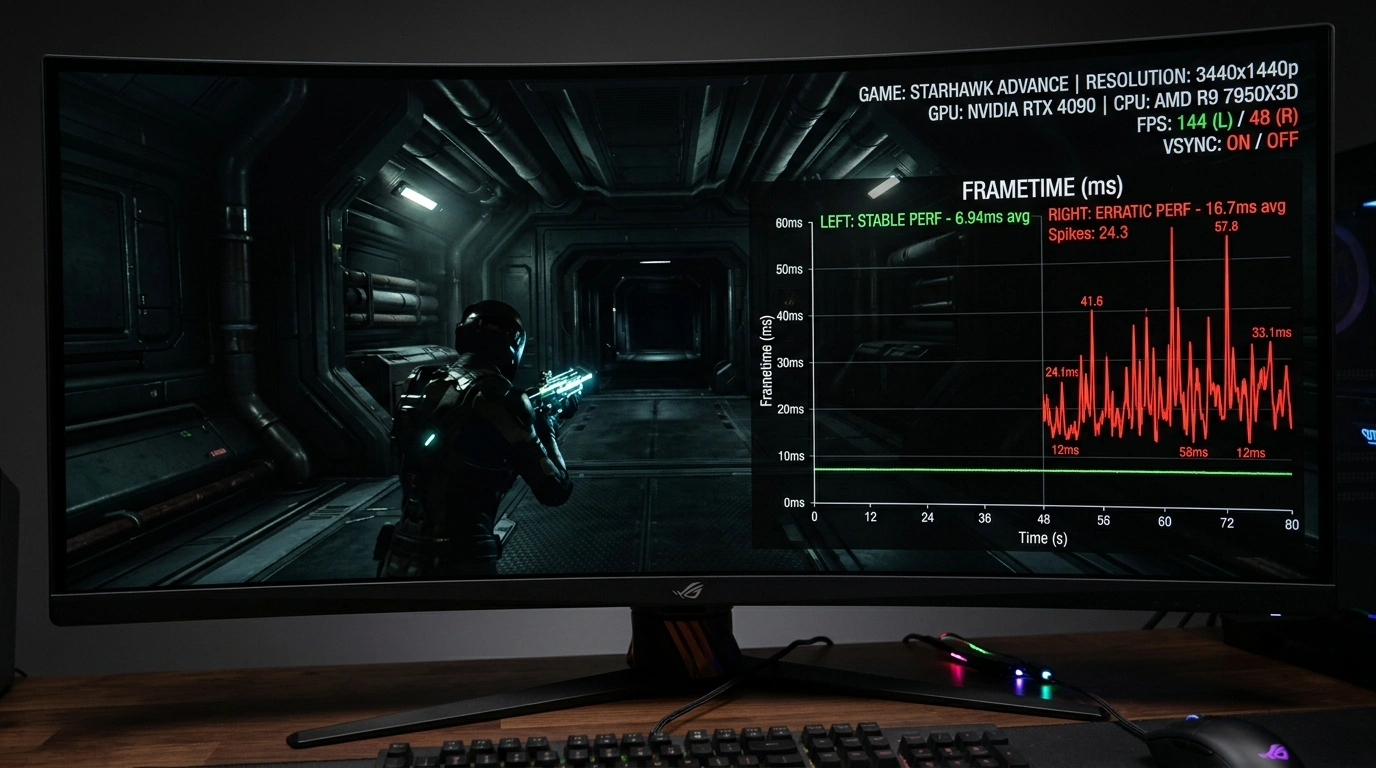
What is Frame Pacing? Why Games Stutter Even at High FPS
Understand why 120 FPS can still feel stuttery. Learn how good frame pacing fixes stutters and provides smooth gameplay.