What is Frame Pacing? Why Games Stutter Even at High FPS
You buy a powerful graphics card, launch a game, and you get 120 FPS. Yet the game still feels stuttery. Even your 30 FPS locked console feels better than this. Why does this happen? The answer is frame pacing.
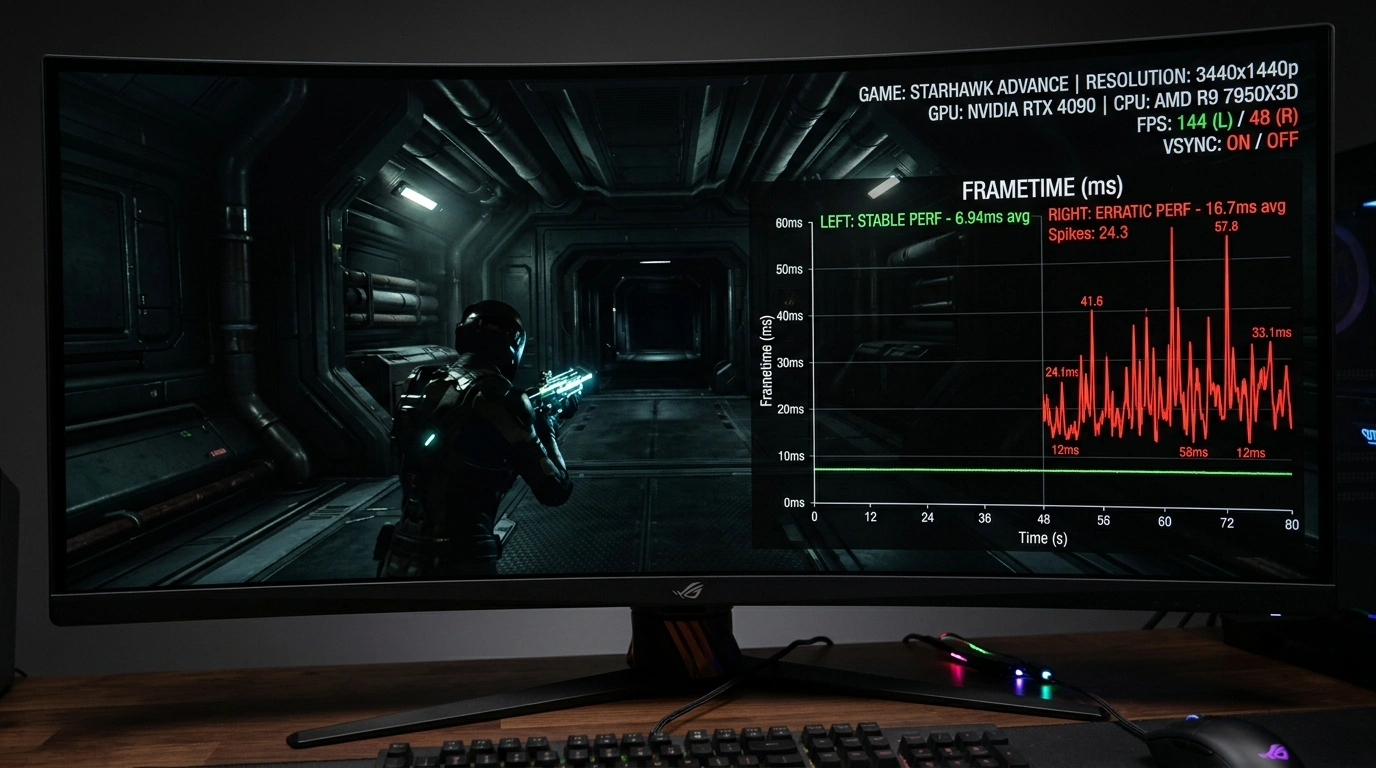
Frame pacing is the timing with which your graphics card delivers each new frame to your screen.
Even if your PC renders 60 frames in a single second, how those frames are spaced across that second determines whether the game looks smooth or feels like stuttering.
Every frame is displayed for the exact same amount of time. Motion appears smooth and consistent.
Frames arrive in rushed bursts followed by long pauses. The FPS still reads 60 FPS, but you see noticeable stutter.
FPS (Quantity) vs. Frametime (Consistency)
- FPS (Frames Per Second): The total count of frames rendered over a full one-second window (Quantity).
- Frametime: The duration in milliseconds (ms) each individual frame stays on screen (Consistency).
If targeting 60 FPS, every single frame must take exactly 16.67ms. If one frame takes 5ms and the next takes 35ms, the counter still reads 60 FPS, but your eyes will see a harsh micro-stutter.
The Flipbook Example
Think of a 60-page flipbook:

- Smooth Pacing: Your thumb slides evenly across the pages. The drawing flows like lifelike animation.
- Uneven Pacing: Your thumb catches on sticky pages, skipping several pages at once and pausing on others.
It is the same 60-page flipbook, but your finger and its effect on pacing change your experience.
The same can be said for video games. Your PC may show you 60 frames per second, but does it show them with consistent timing, or is it just throwing frames at your screen?
Reading a Frametime Graph
How to Achieve Smooth Gameplay
Follow these 3 steps to lock in flat frametimes and eliminate stuttering:
Stop Chasing Maximum FPS
Having the maximum FPS doesn't mean having the best experience. You can get 300+ FPS, but that doesn't mean anything if it regularly drops to 80 FPS. Limit your FPS to a number your PC can maintain comfortably (like 60, 90, or 120 FPS). Leave 5%–10% GPU headroom (do not run your GPU at 100%) to prevent stutters.
Use an External FPS Limiter
Utilities like framepacer limit your FPS with high precision rather than relying on inconsistent in-game timers.
Check Your Frametime Graph
A frametime graph is a reliable indicator that you are getting a smooth gaming experience. If you see a flat graph, you are good to go. But spikes and fluctuations mean you need to check your setup.
Related Guides
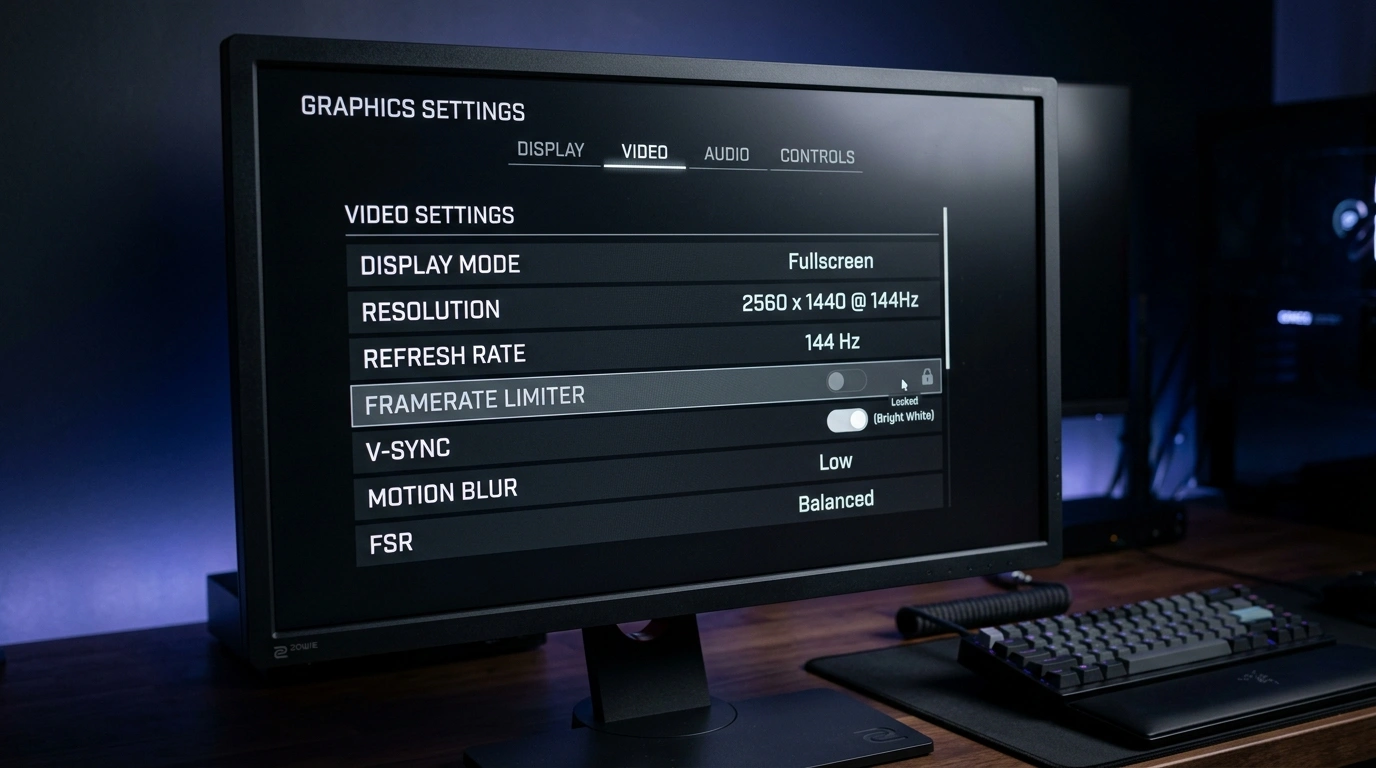
Best FPS Limiters: In-Game vs External Tools Compared
Compare the top 5 limiters: In-Game, GPU Driver, framepacer, RTSS, and Special K across frame pacing, input latency, ease of use.

How to Fix Stutter in Lossless Scaling: Why Base Framerate is Important
Fix stutter, motion warping, and input lag in Lossless Scaling. Learn why a stable base framerate is essential and how to set up LSFG for truly smooth motion.