Does 100% GPU Usage Cause Input Lag in PC Games?
A common myth in PC gaming is that letting your framerate run uncapped always delivers the lowest input lag. But the truth is the opposite: maxing out your GPU at 100% load actually adds input delay.
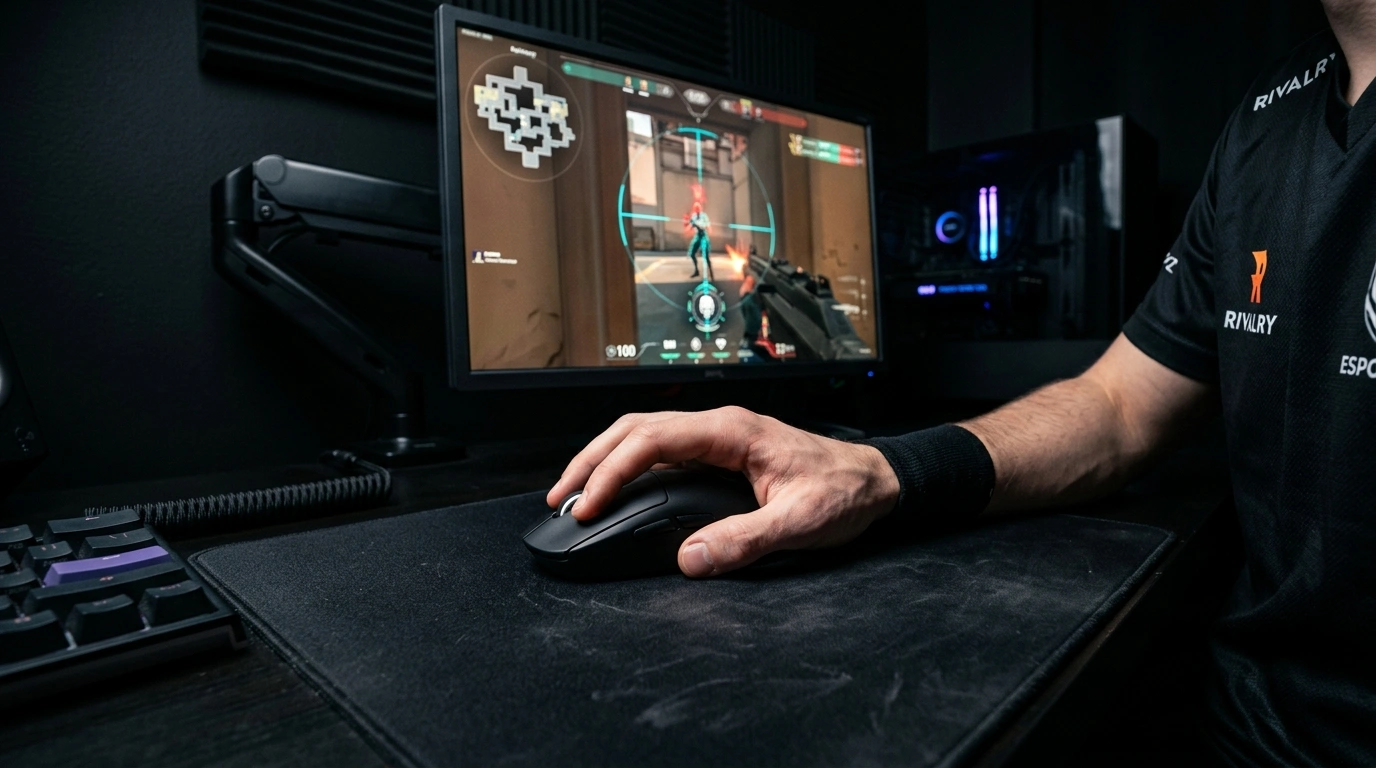
What is Render Queue Latency?
When your graphics card runs at 100% capacity, your computer prepares new frames faster than the graphics card can draw them.
To prevent these frames from being lost, your system puts them into a waiting line (buffer). By the time that frame finally reaches your screen, the mouse click or movement you made a moment ago is already delayed.
Input Lag Comparison: 100% GPU vs. 90% Capped
The graphics card is overwhelmed. Extra frames wait in line, delaying your clicks and mouse movement.
Leaving 10% GPU headroom empties the waiting line. Every click appears on screen immediately.
The Solution: Leave 5%–10% GPU Headroom
By capping your framerate (using tools like framepacer or your GPU software) slightly below your system's peak, your GPU never backs up.
Quick Summary
Capping your framerate prevents render queue congestion, keeping your input latency minimal and constant while eliminating stutters and frametime jitter.
Related Guides
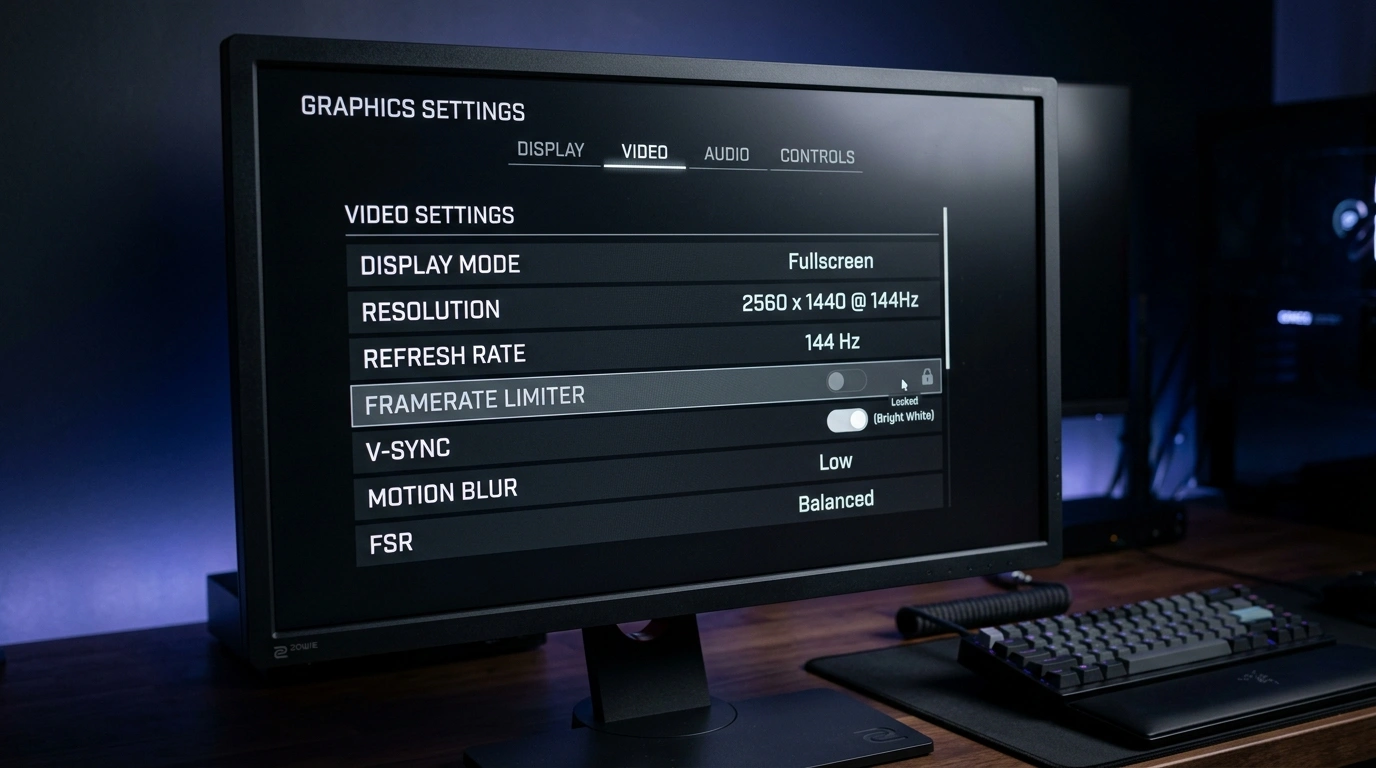
Best FPS Limiters: In-Game vs External Tools Compared
Compare the top 5 limiters: In-Game, GPU Driver, framepacer, RTSS, and Special K across frame pacing, input latency, ease of use.

How to Fix Stutter in Lossless Scaling: Why Base Framerate is Important
Fix stutter, motion warping, and input lag in Lossless Scaling. Learn why a stable base framerate is essential and how to set up LSFG for truly smooth motion.