G-Sync, V-Sync & FPS Limit: The Optimal Setup Guide
Ask five different gamers how to configure G-Sync and V-Sync, and you will get five different answers. Here is the definitive setup guide to get the best gameplay experience.
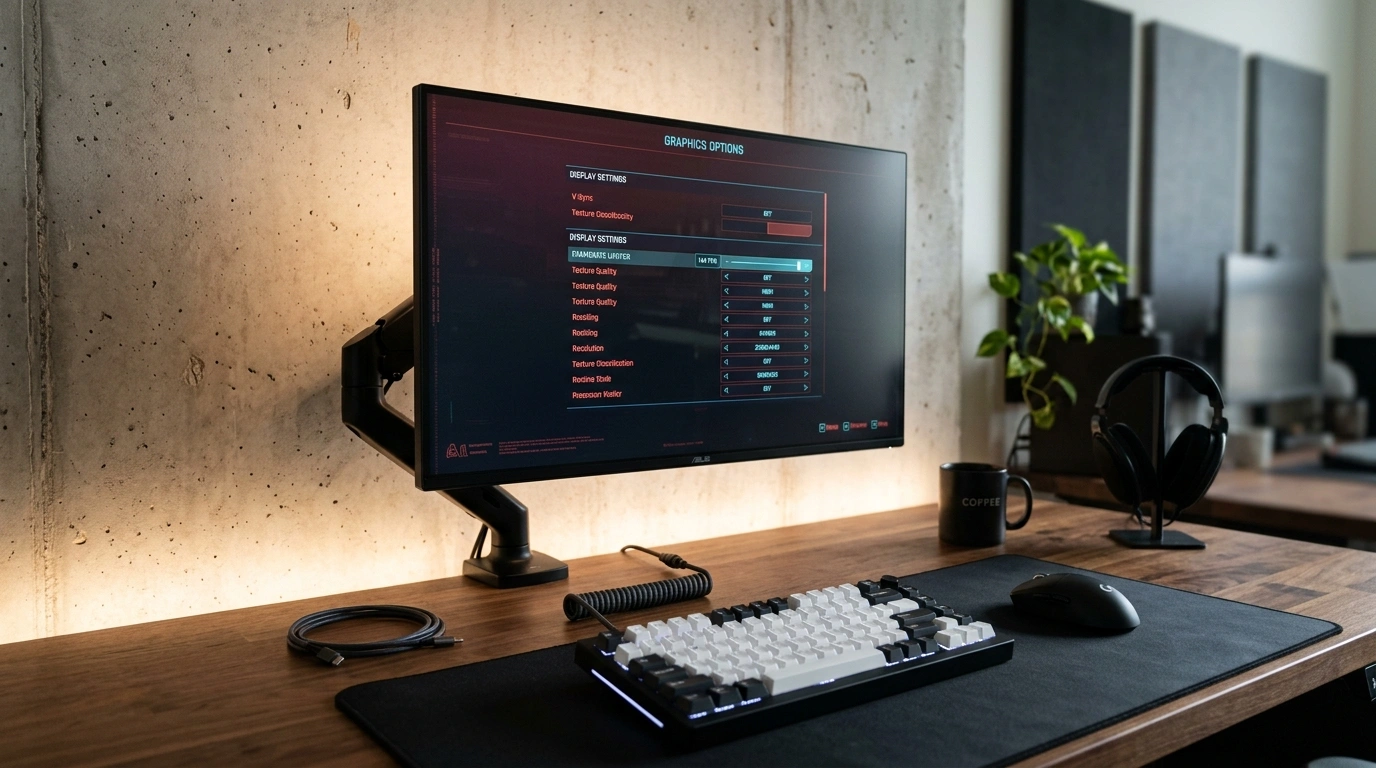
The Optimal Configuration
1. For VRR Displays (G-Sync & FreeSync)
If your monitor supports G-Sync or FreeSync, keep G-Sync/FreeSync enabled in your GPU driver settings and turn V-Sync off. Use a precise limiter (such as framepacer or your GPU software) to cap your framerate 2 to 3 FPS below your maximum refresh rate:
- 120Hz Monitor: Limit to 118 FPS
- 144Hz Monitor: Limit to 142 FPS
- 240Hz Monitor: Limit to 238 FPS
This keeps your game permanently inside your monitor's variable refresh window, eliminating screen tearing without adding input lag.
2. For Fixed Refresh Rate Displays (Standard Monitors & TVs)
If your display does not have VRR, enable V-Sync in your GPU driver settings (recommended over in-game V-Sync for better stability) and use an FPS limiter (such as framepacer) to lock your framerate directly to your monitor's refresh rate:
- 60Hz Screen: Limit to 60 FPS (16.67ms)
- 120Hz TV: Limit to 120 FPS (8.33ms)
This aligns frame delivery with your display's refresh cycles, preventing tear lines.
Related Guides
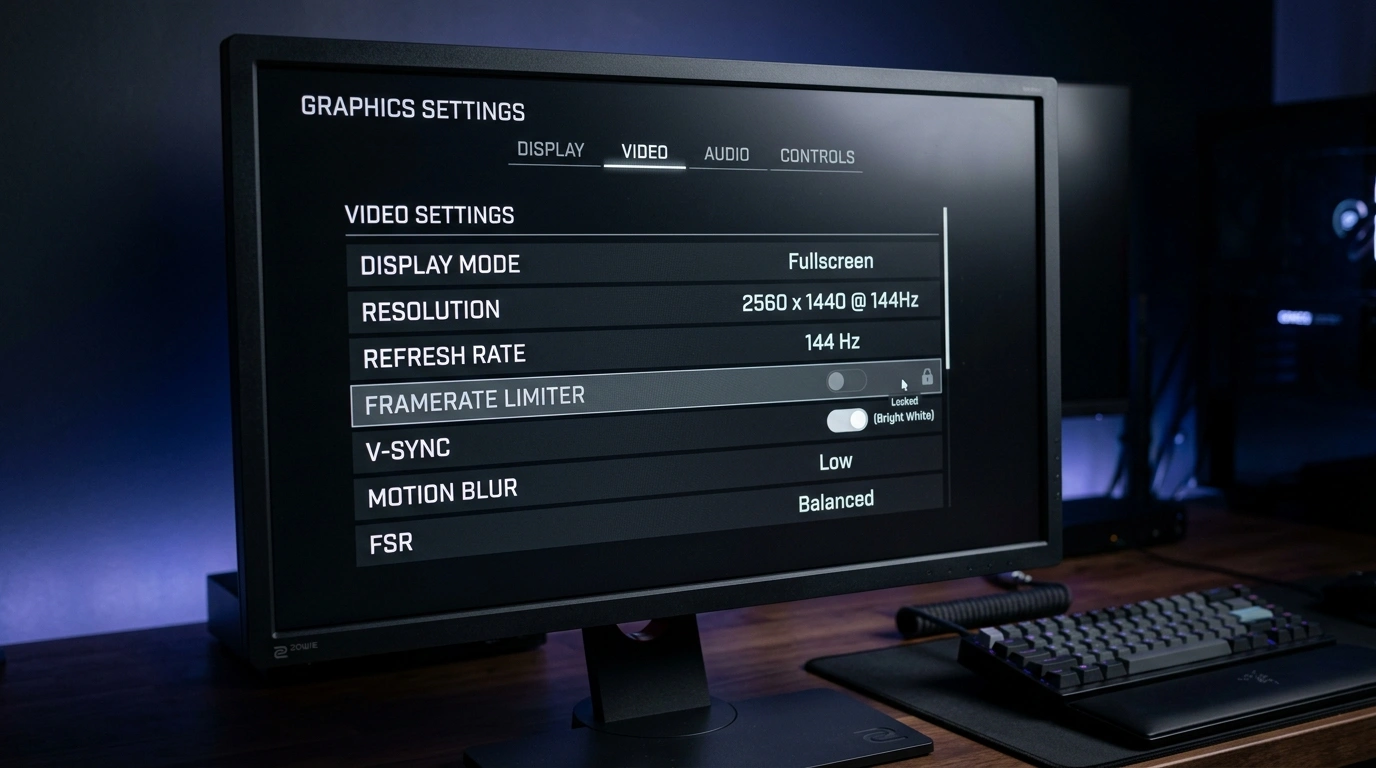
Best FPS Limiters: In-Game vs External Tools Compared
Compare the top 5 limiters: In-Game, GPU Driver, framepacer, RTSS, and Special K across frame pacing, input latency, ease of use.
Does 100% GPU Usage Cause Input Lag in PC Games?
Debunk the unlimited FPS myth. See how 100% GPU load clogs the render queue with delay, and why leaving 5%–10% headroom restores instant mouse aim.