Why Console Games Feel Smooth (How to Get the Same on PC)
Have you ever played a game on PlayStation 5 or Xbox Series X and noticed how fluid it is, even in 30 FPS? Yet when you try playing the same game on PC at 60 FPS, it feels unplayable.
On paper, 60 FPS shows twice as many frames as 30 FPS, so the PC version should look and feel noticeably smoother. But in reality, PC games often feel stuttery while the console version is smooth. The difference comes down to four key factors working together behind the scenes:
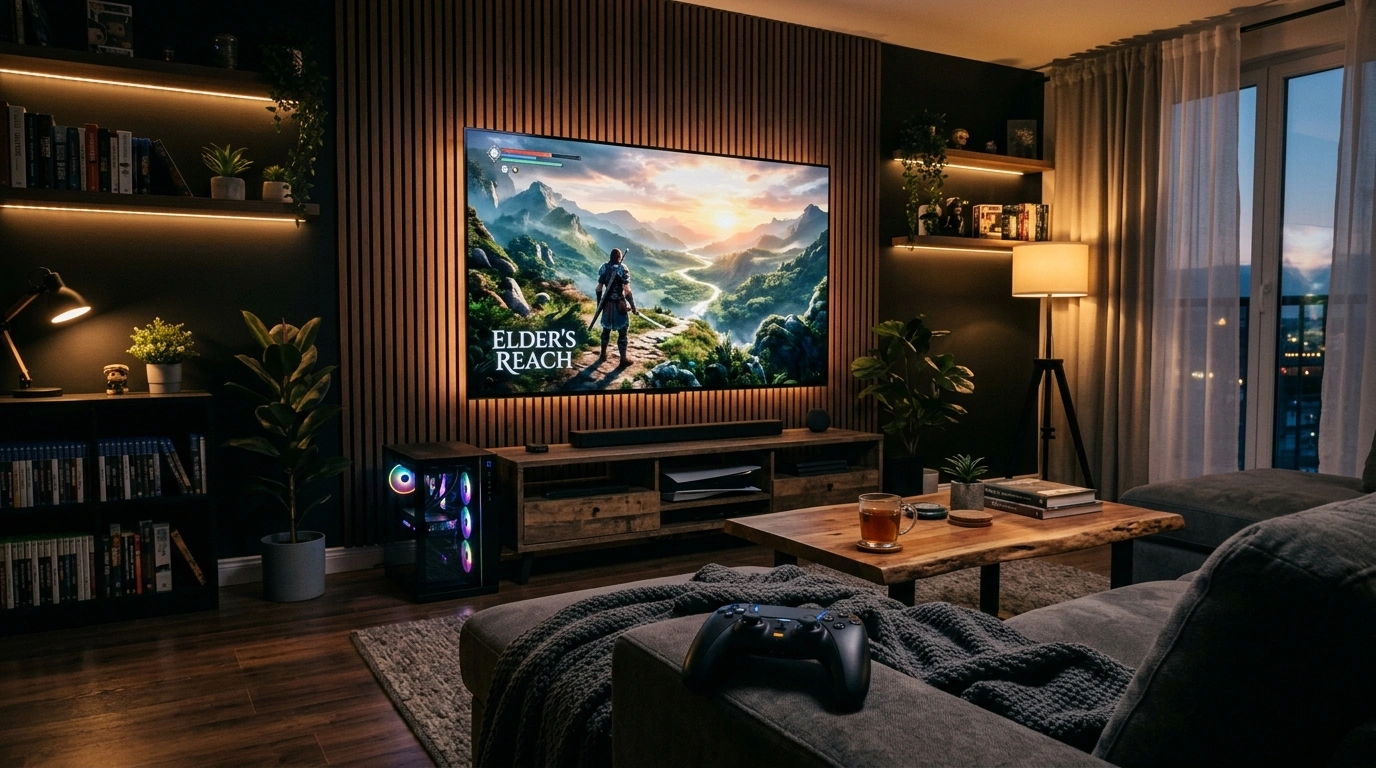
The 4 Secrets of Console Smoothness
Console games feel smooth at 30 FPS not because of secret hardware power, but because developers tune games specifically for the hardware and lock the frametimes. Here is how each factor works and how to replicate the exact same smoothness on PC:
Proper Frame Pacing
Consoles have closed, identical hardware. When targeting 30 FPS, every frame is presented for an exact, locked 33.33ms.
Never rely on unoptimized in-game frame limiters. Use a high-precision frame limiter like framepacer to lock frames to a flat, uniform timing line (33.3ms for 30 FPS, 25.0ms for 40 FPS, or 16.6ms for 60 FPS).
Motion Blur
Developers tune motion blur specifically for 30 FPS targets. Much like a cinema camera with shutter blur, it bridges the gaps between frames, making motion look natural to our eyes.
Don't turn motion blur off in games. Enabling motion blur smooths out frame transitions and camera turns. Gamers often disable motion blur because they think it makes the game look blurry. You may not need it at 144+ FPS, but you definitely need it below 90 FPS.
Controller vs. Mouse
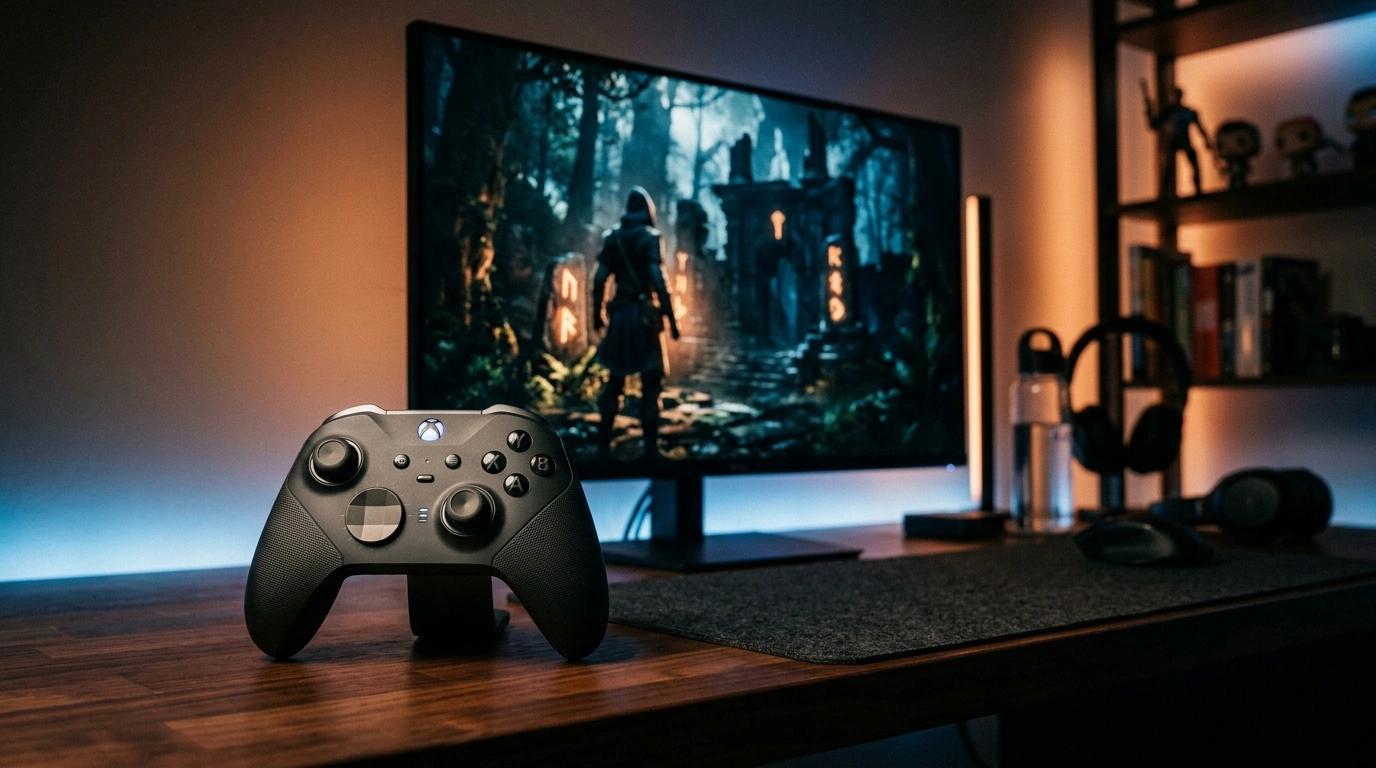
Controllers have smooth, gradual acceleration curves. Because rotational speed is predictable and constant, lower framerates look steady and cinematic. Analog sticks feel smooth at all FPS levels, whereas a mouse requires significantly higher FPS to feel the same.
Use a gamepad. The smooth analog acceleration instantly makes gameplay feel fluid.
Screen Distance
Sitting on a couch 8 to 10 feet (240 to 300 cm) away from a TV covers a smaller field of view, hiding small motion imperfections.
Sitting 2 feet (60 cm) from a desktop monitor magnifies every frame stutter. Use a large-screen TV and sit further away from the display.
Related Guides
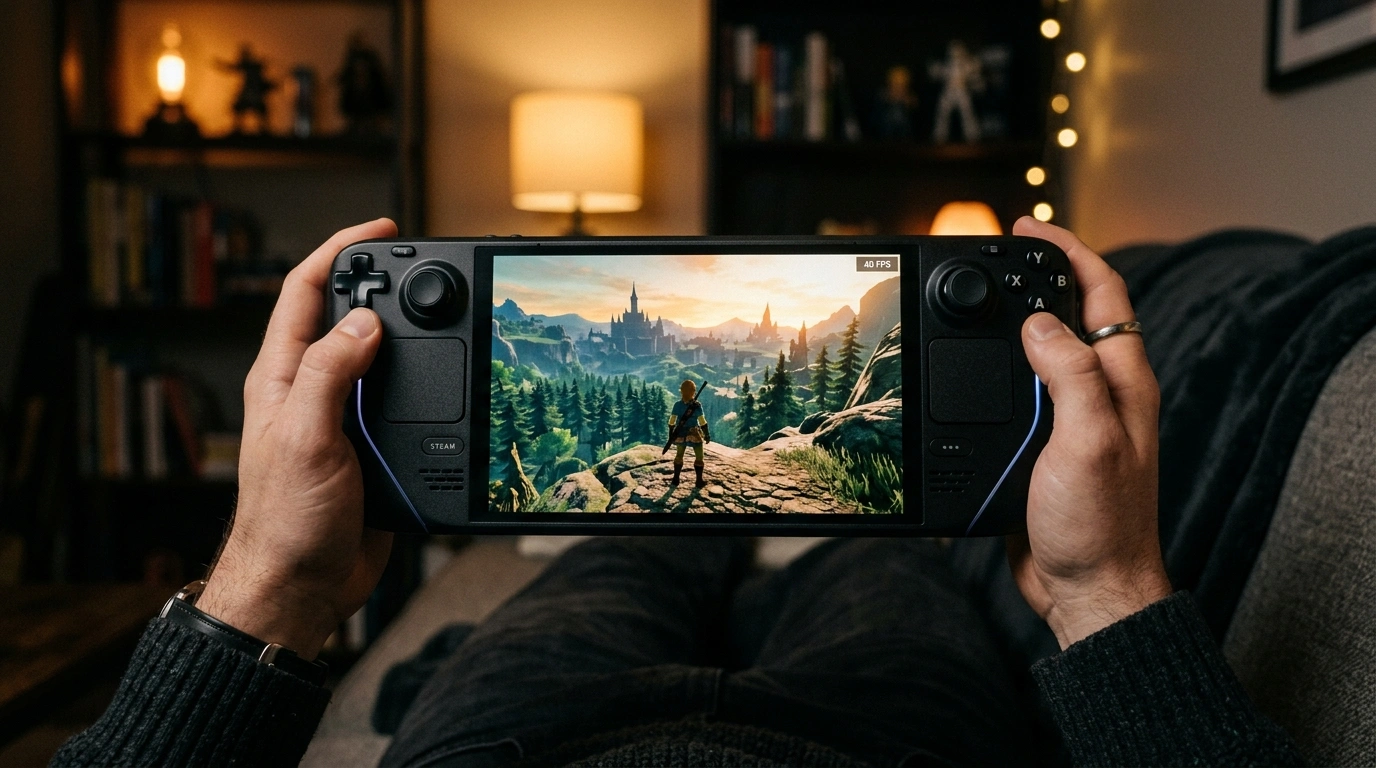
40 FPS at 120Hz Feels Like 60 FPS in Games
40 FPS on 120Hz delivers 50% of the smoothness boost of 60 FPS for only 33% more GPU effort. The ideal setup for handhelds and 4K TVs.
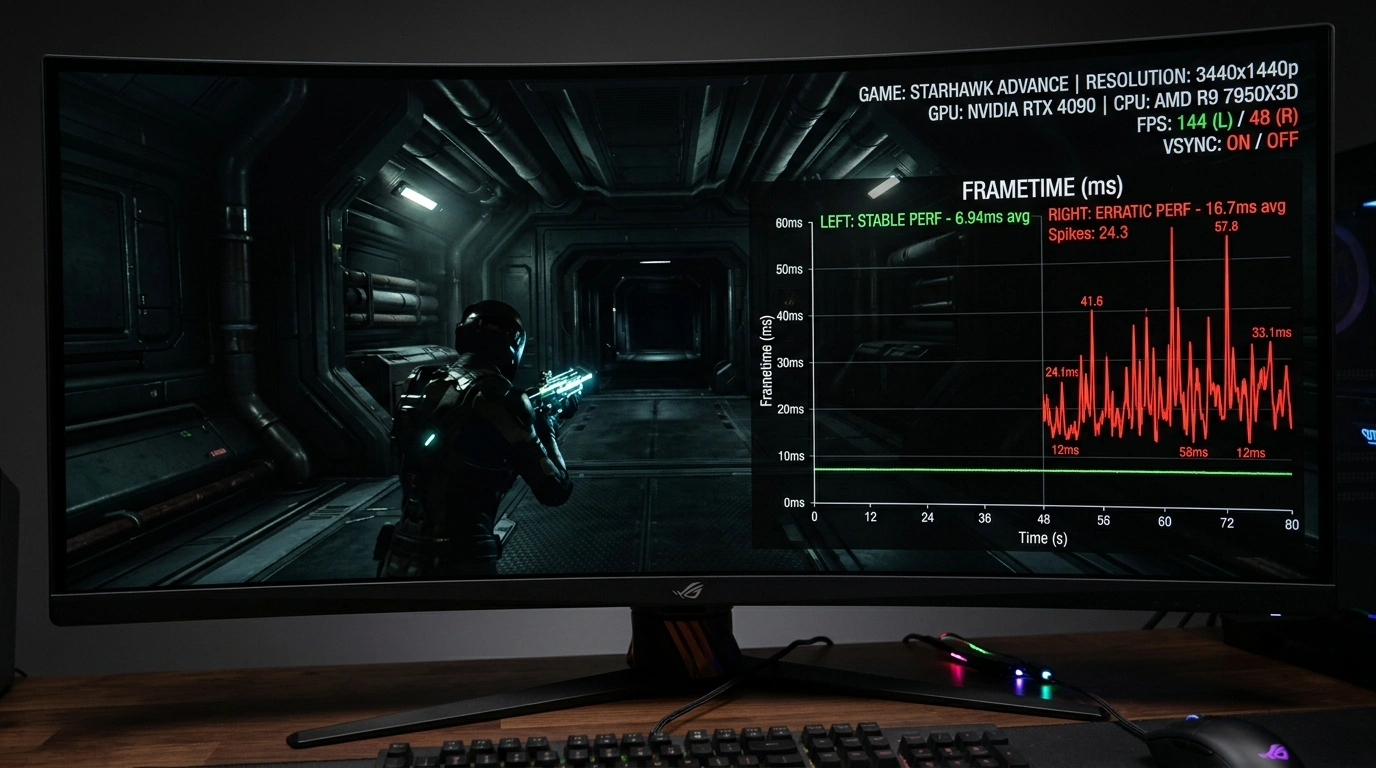
What is Frame Pacing? Why Games Stutter Even at High FPS
Understand why 120 FPS can still feel stuttery. Learn how good frame pacing fixes stutters and provides smooth gameplay.